1. Introduction
How can a business keep hundreds of online listings accurate, consistent and visible without overwhelming its marketing team?
Well! As a company expands, every new location introduces another set of addresses, phone numbers, opening hours, services, photographs, reviews and customer updates to manage. When these details are handled manually, small errors can spread quickly across Google Business Profiles, maps and other directories. Customers may encounter outdated hours, incorrect directions or disconnected phone numbers, resulting in lost visits, enquiries and trust.
Managing listings at scale therefore requires a central source of accurate data, defined team responsibilities, efficient approval processes and automated monitoring. Businesses must also tailor content for individual locations while protecting overall brand consistency. This guide presents practical best practices for controlling multiple listings, improving local search visibility and creating a dependable customer experience across every business location. It also explains how technology can simplify updates, reviews, reporting and ongoing optimisation.
2. What Is Multi-Location Business Listing Management?
Multi-location business listing management is the process of creating, verifying, updating and monitoring online profiles for every branch of a business. These profiles appear across Google Business Profile, Bing Places, Apple Maps, search engines and relevant business directories. Each listing usually displays essential information such as the business name, address, phone number, website, opening hours, categories, services, photographs, reviews and booking links.
Effective local listing management ensures that customers receive accurate and consistent information regardless of the platform they use. For growing organisations, managing multiple business listings also involves controlling user access, removing duplicate profiles, publishing bulk updates and tracking location-level performance.
Unlike simply creating profiles, business listing management at scale requires continuous monitoring and optimisation. A strong multi-location local SEO strategy connects every listing with verified business data, locally relevant content and the correct landing page. This helps search engines understand each location while making it easier for nearby customers to discover, contact and visit the business.
3. Why Accurate Listings Matter for Multi-Location Brands
Accurate business listings directly influence how easily customers can discover, evaluate and contact individual locations. For companies managing multiple business listings, maintaining complete and consistent information is essential for building visibility, trust and customer engagement.
Improve Local Search Visibility
Search engines use listing information to determine whether a business is relevant to a user’s location and search query. Consistent addresses, suitable categories, updated services and verified contact details strengthen local listing management and improve visibility across local search and map results.
Create a Better Customer Experience
Customers rely on listings to check opening hours, request directions, call a branch, visit its website or book a service. Effective Google Business Profile management ensures that these actions remain quick, accurate and convenient.
Build Brand Trust
Consistent information across Google, Bing, Apple Maps and relevant business directories shows professionalism. Customers are more likely to trust a brand when its location details remain reliable across every digital touchpoint.
Support Location-Level Conversions
Business listing management at scale turns online discovery into measurable actions, including calls, enquiries, appointments, website visits and in-store footfall. Each optimised profile functions as a digital storefront for its location.
4. Common Challenges When Managing Listings at Scale
1. Inconsistent Location Information
Maintaining accurate names, addresses, phone numbers, opening hours and service details becomes difficult across numerous directories. Inconsistent information can confuse customers and weaken multi-location local SEO performance.
2. Duplicate and Unclaimed Profiles
Duplicate, outdated or unclaimed listings may divide reviews and direct customers towards incorrect information. Effective local listing management requires businesses to identify, claim, verify and remove problematic profiles.
3. Frequent Operational Changes
Store openings, closures, relocations, holiday hours and temporary service changes must be published quickly. Without bulk listing management, updating each profile manually can cause delays and errors.
4. Complex Access and Approval Processes
Multiple employees, regional teams or agencies may edit the same profiles. Unclear responsibilities and slow approvals make Google Business Profile management difficult while increasing the risk of unauthorised changes.
5. Maintaining Local Relevance and Brand Consistency
Each location needs relevant content, images, offers and review responses, but every profile must still reflect the wider brand. Managing this balance becomes harder as customer interactions increase.
5. 10 Best Practices for Managing Multiple Business Listings
5.1 Create a Single Source of Truth for Location Data
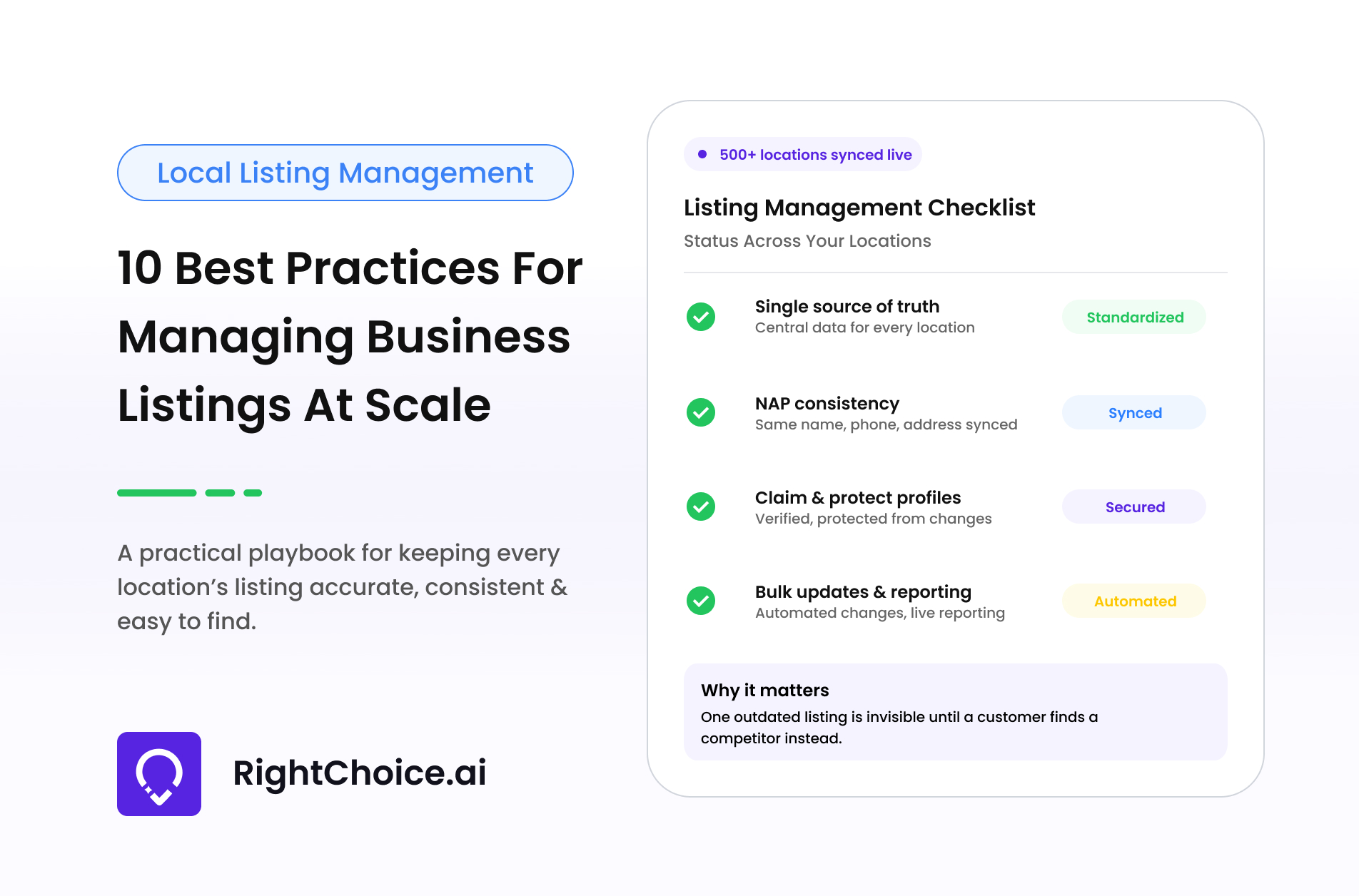
A single source of truth is a central database containing verified information for every business location. It ensures that directories, websites, applications and internal teams use the same approved data.
How to Do It
- Record each location’s official name, address, phone number, hours, categories, services, URLs and operational status.
- Assign every branch a unique location ID to distinguish locations with similar names or addresses.
- Separate standard brand information from location-specific fields, including local services, facilities and contact details.
- Replace disconnected spreadsheets, emails and store records with one controlled process for submitting and approving updates.
How RightChoice.Ai’s Manage Multiple Listings Tool Helps
The Manage Multiple Listings tool provides a central dashboard for controlling information across numerous business profiles. Teams can compare locations, identify inconsistencies and coordinate changes without relying on separate accounts. This creates a more reliable data source and simplifies business listing management at scale.
5.2 Standardise NAP Information and Business Attributes
NAP standardisation ensures that every location’s name, address and phone number follow consistent formats. The same principle applies to categories, descriptions, services and website links.
How to Do It
- Establish an approved business-name format and prevent the addition of unnecessary promotional keywords.
- Create rules for abbreviations, suite numbers, regional telephone formats, postal codes and location URLs.
- Select accurate primary and secondary categories based on the services offered by each branch.
- Standardise descriptions, booking links and tracking parameters while preserving useful location-specific details.
How RightChoice.Ai’s 20+ Directories Integration Tool Helps
The 20+ Directories Integration tool helps brands distribute and synchronise approved information across multiple online platforms. Teams can update essential location details from a single dashboard and monitor their synchronisation status. This supports consistent NAP information and reduces conflicting data across major search engines, maps and directories.
5.3 Claim, Verify and Secure Every Listing
Claiming and verifying a listing confirms that the business is authorised to manage it. Securing profiles also reduces unauthorised changes, ownership disputes and potential disruption.
How to Do It
- Search relevant directories for existing profiles before creating new business listings.
- Claim legitimate profiles through business-controlled accounts and complete the required verification process.
- Identify duplicate, outdated or unofficial listings and request correction, removal or consolidation.
- Record all owners, administrators and agencies, removing access when employment or commercial partnerships end.
How RightChoice.Ai’s Profile Protection Tool Helps
The Profile Protection tool helps defend Google Business Profiles against inaccurate or unauthorised changes. It gives businesses greater control over customer-facing information and helps protect important profile details. This reduces the possibility of unexpected edits affecting customer discovery, trust or local search visibility.
5.4 Automate Bulk Updates Through a Central Platform
Bulk listing management allows businesses to update information across several profiles efficiently. Automation reduces repetitive work and helps important product or service information reach customers faster.
How to Do It
- Use centralised business listing software instead of signing into every profile separately.
- Group locations by region, service or campaign so that updates reach the correct branches.
- Prepare accurate product, menu and service information in a standardised format before publication.
- Include approval stages for sensitive changes and review failed uploads or platform conflicts.
How RightChoice.Ai’s Products & Menu Upload Tool Helps
The Products & Menu Upload tool simplifies publishing products, menus and services across relevant profiles. It reduces the need to enter the same information repeatedly for individual locations. Brands can keep customer-facing offerings current while saving time and maintaining greater consistency across their business listings.
5.5 Build a Clear Update and Approval Workflow
An approval workflow defines how listing changes are requested, checked, authorised and published. It creates accountability and prevents conflicting updates from different teams or agencies.
How to Do It
- Decide which routine changes can be published centrally and which require local confirmation.
- Assign responsibilities to head office, regional managers, individual locations and external agencies.
- Establish standard approval deadlines and faster response times for urgent customer-facing updates.
- Maintain a change log and create dedicated procedures for closures, relocations, emergencies and seasonal hours.
How RightChoice.Ai’s Local Post Scheduler Helps
The Local Post Scheduler supports a more organised content approval and publishing process. Teams can prepare posts in advance, confirm their accuracy and schedule them for suitable locations and dates. This provides greater control over campaigns, announcements and offers while reducing rushed or conflicting content updates.
5.6 Optimise Each Listing for Local Search Intent
Local search intent reflects what nearby customers want to find or do, such as locating a branch, purchasing a product or booking a service. Each listing should answer that need accurately.
How to Do It
- Choose categories representing the products or services genuinely available at each location.
- Write useful descriptions containing natural service and location context without keyword stuffing.
- Connect each listing to its relevant local landing page instead of the general homepage.
- Add accurate services, amenities, photographs and booking options that help customers make decisions.
How RightChoice.Ai’s Local Keywords Ranker Helps
The Local Keywords Ranker helps businesses identify relevant local search terms and monitor how locations perform for them. These insights can guide category selection, descriptions and service information. Brands can focus optimisation on meaningful customer searches, strengthening multi-location local SEO without adding irrelevant keywords.
5.7 Localise Content Without Losing Brand Consistency
Content localisation adapts posts, images and offers for individual markets. Every profile should feel relevant to nearby customers while maintaining the brand’s approved identity and standards.
How to Do It
- Develop approved templates for announcements, events, promotions and product launches.
- Allow locations to customise dates, services and offers based on local availability.
- Use authentic photographs of each location, its team, facilities and products whenever possible.
- Apply clear brand guidelines and remove identical, outdated or irrelevant content.
How RightChoice.Ai’s AI Content Generation Tool Helps
The AI Content Generation tool creates locally focused, keyword-optimised content for business profiles. Teams can develop relevant posts for specific services, locations or promotions while following central brand guidance. This supports an active local presence without requiring marketers to write every piece of content manually.
5.8 Manage Reviews Through a Scalable Response System
A scalable review system collects, prioritises and responds to feedback across every location. It combines consistent service standards with personalised replies and clear escalation procedures.
How to Do It
- Bring reviews from all locations into one monitoring and response workflow.
- Create response frameworks for common situations but personalise every final reply.
- Establish response deadlines and prioritise complaints requiring urgent attention.
- Route serious concerns to the appropriate location or department and document their resolution.
How RightChoice.Ai’s AI Review Auto Reply Tool Helps
The AI Review Auto Reply tool generates context-specific responses to customer feedback. It helps teams manage large review volumes while maintaining faster and more relevant communication. Responses should still be reviewed where necessary to ensure they reflect the customer’s experience, brand voice and appropriate resolution.
5.9 Conduct Regular Listing Audits
A listing audit evaluates the accuracy, completeness and ownership of online profiles. Regular audits identify errors before they negatively affect customers, rankings or location-level revenue.
How to Do It
- Combine automated monitoring with scheduled manual checks for location-specific problems.
- Review NAP details, ownership, duplicates, map pins, categories, links, images and hours.
- Prioritise errors according to customer impact, correcting inaccurate closures or directions first.
- Audit profiles before holidays and campaigns while recording every correction in an audit trail.
How RightChoice.Ai’s Profile Strength & Audit Tool Helps
The Profile Strength & Audit tool evaluates profile completeness and helps teams identify missing, weak or inaccurate information. It supports more systematic auditing across large location networks, allowing businesses to prioritise corrections and improve listing accuracy without manually assessing every profile from the beginning.
5.10 Track Performance at Brand and Location Levels
Performance tracking measures how listings contribute to online visibility, customer engagement and conversions. Location-level reporting is essential because brand-wide averages can conceal weaker branches.
How to Do It
- Monitor search impressions, map visibility, website clicks, calls, directions and reviews.
- Compare results by location, region, category and reporting period.
- Identify successful branches and adapt their optimisation practices for weaker locations.
- Connect listing visibility with calls, enquiries, bookings, visits and other customer actions.
How RightChoice.Ai’s Business Performance Data Tool Helps
The Business Performance Data tool consolidates results for multiple business locations. Teams can compare location-level performance, identify underperforming branches and understand how listing visibility contributes to customer actions. These insights support evidence-based decisions and continuous business listing optimisation across the complete network.
6. Metrics to Measure Business Listing Performance
Measuring the right indicators helps brands understand whether their local listing management strategy is improving visibility, engagement and customer actions.
| Measurement area | Key metrics |
| Data health | Listing accuracy, completeness and duplicate rate |
| Visibility | Search impressions, Maps impressions and local keyword rankings |
| Engagement | Website clicks, calls and direction requests |
| Reputation | Review volume, average rating, response rate and response time |
| Content | Post views, offer clicks and product interactions |
| Operations | Update success rate, correction time and unresolved errors |
| Conversions | Enquiries, appointments, bookings, visits or leads |
7. Conclusion
Choosing the right business listing software is essential for organisations managing profiles across multiple locations. The platform should provide a central dashboard from which teams can create, verify, update and monitor listings without repeatedly signing into separate accounts. It should also support bulk updates, profile protection, directory integration, review management, local content publishing, keyword monitoring and location-level performance reporting. Businesses should consider the number of locations they operate, the directories they prioritise, internal approval requirements and the level of automation they need.
RightChoice.Ai offers a unified platform for managing multiple business listings, customer reviews, content, keywords and performance data. It helps multi-location brands maintain accurate profiles, coordinate updates and understand how individual branches perform in local search. By connecting listing accuracy with multi-location local SEO, customer engagement and measurable actions, RightChoice.Ai enables businesses to reduce manual work, strengthen local visibility and manage continued expansion without losing control over their brand information.